How to setup auto pay
Once your full priced invoice arrives (this would be on the 26th of the month), you will find an option enable auto payments: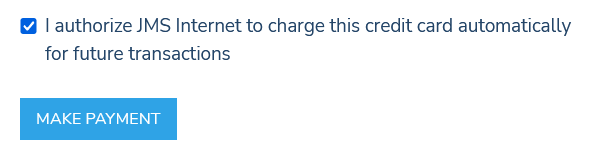
When the box is "ticked" and you click "Make Payment", your settings will be saved.
From then on, you will receive a paid receipt, on the date future invoices are generated (the 26th, or an alternative agreed upon date).
If you prefer to not wait until the 26th, please utilize our secure billing site to save your payment method. Then contact us and we will attach it to your monthly service plan.